
Useful tools for,
everyday digital work,
Instead of hundreds of confusing tools, FreeTools focuses on practical tools that solve real problems — compress an image, convert a file, edit a PDF, process audio, generate developer utilities, and more.
Free Tools You'd Usually Pay For
No limits, no sign-up
Here's our featured tools
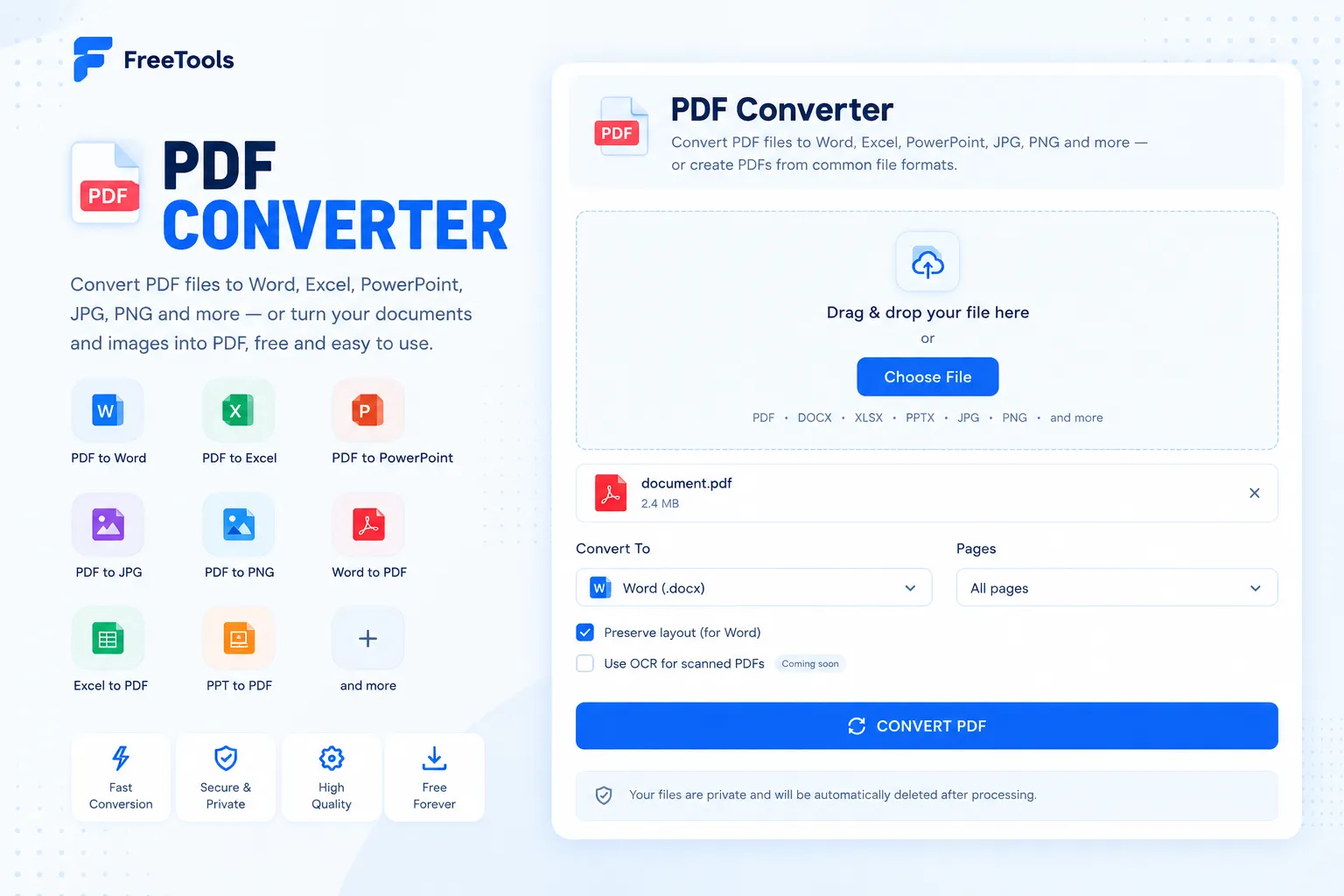
PDF Converter
Convert PDF to Word, Text, Markdown, JPG, or PNG — or Word to PDF, free.
Learn more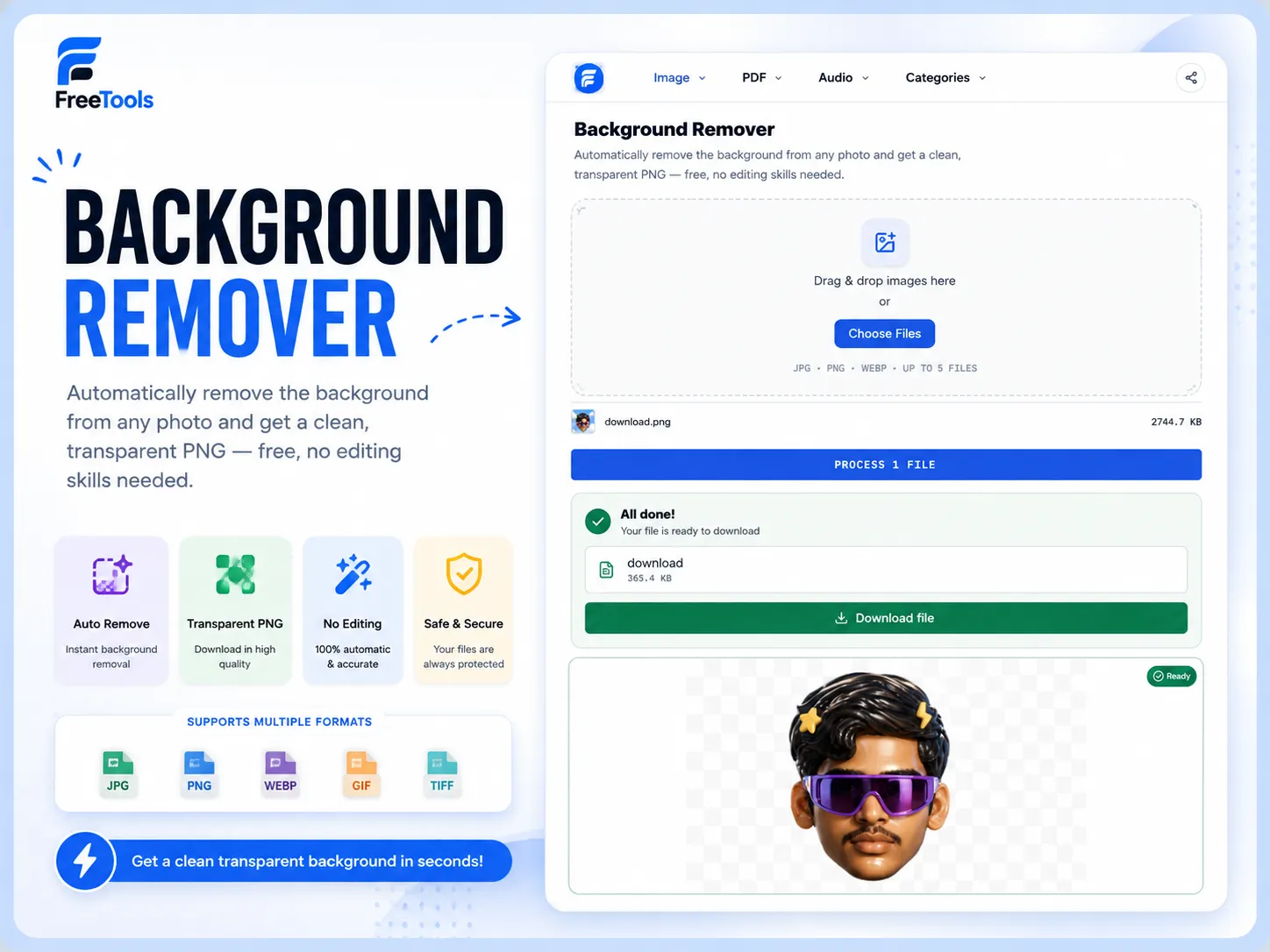
Background Remover
Automatically remove the background from any photo and get a clean, transparent PNG — free, no editing skills needed.
Learn more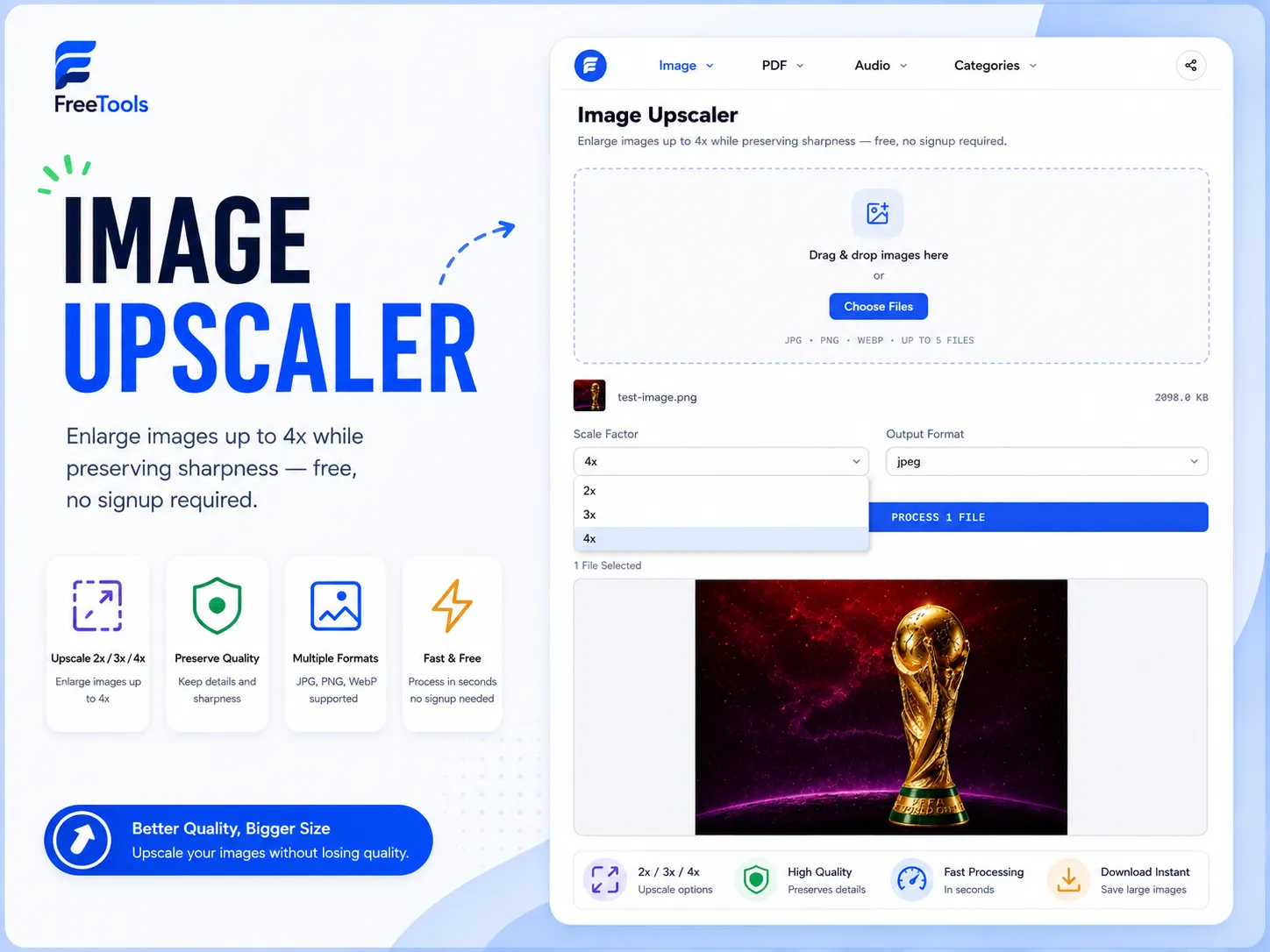
Image Upscaler
Enlarge images up to 4x while preserving sharpness — free, no signup required.
Learn more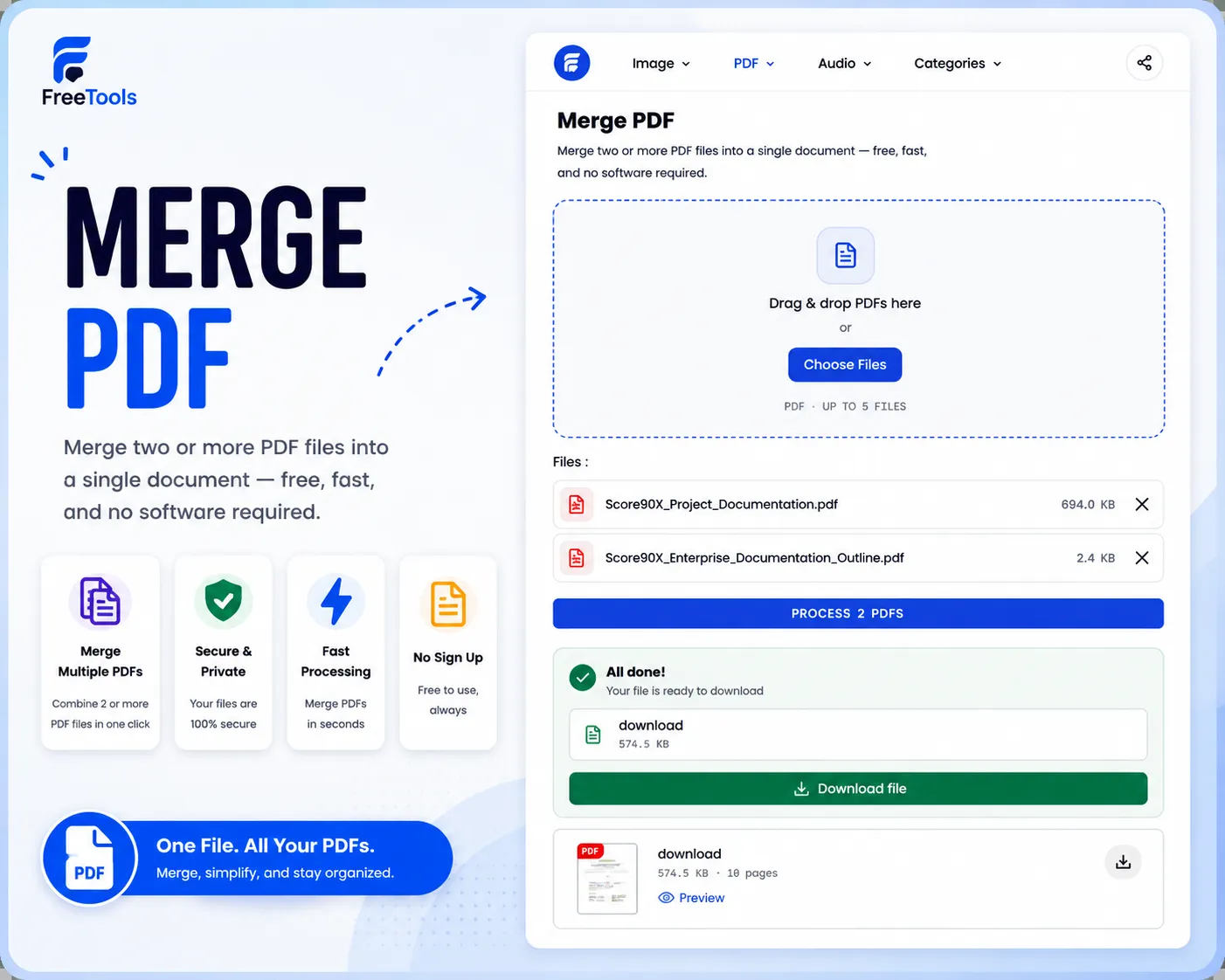
Merge PDF
Merge two or more PDF files into a single document — free, fast, and no software required.
Learn more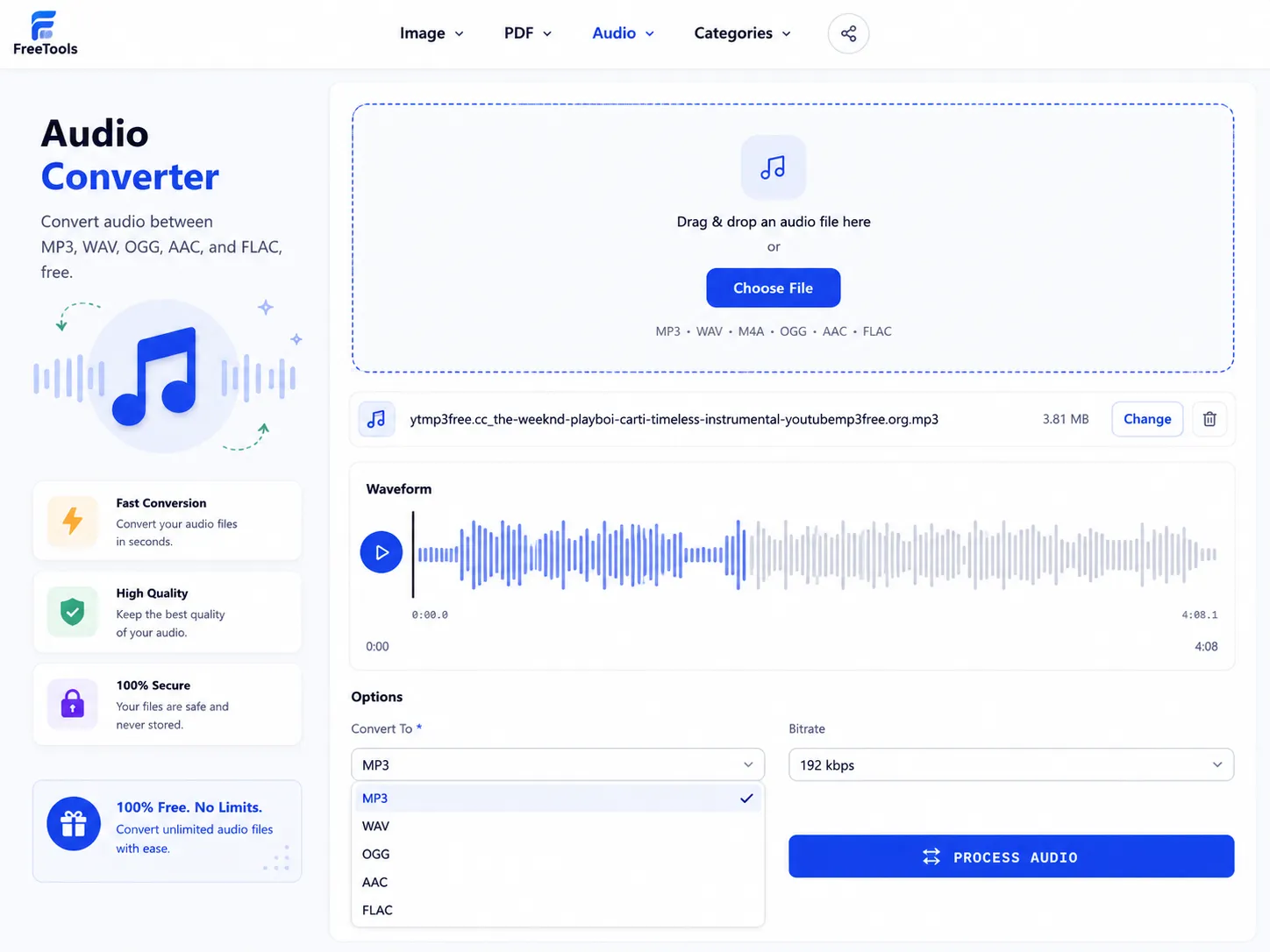
Audio Converter
Convert audio between MP3, WAV, OGG, AAC, and FLAC, free.
Learn more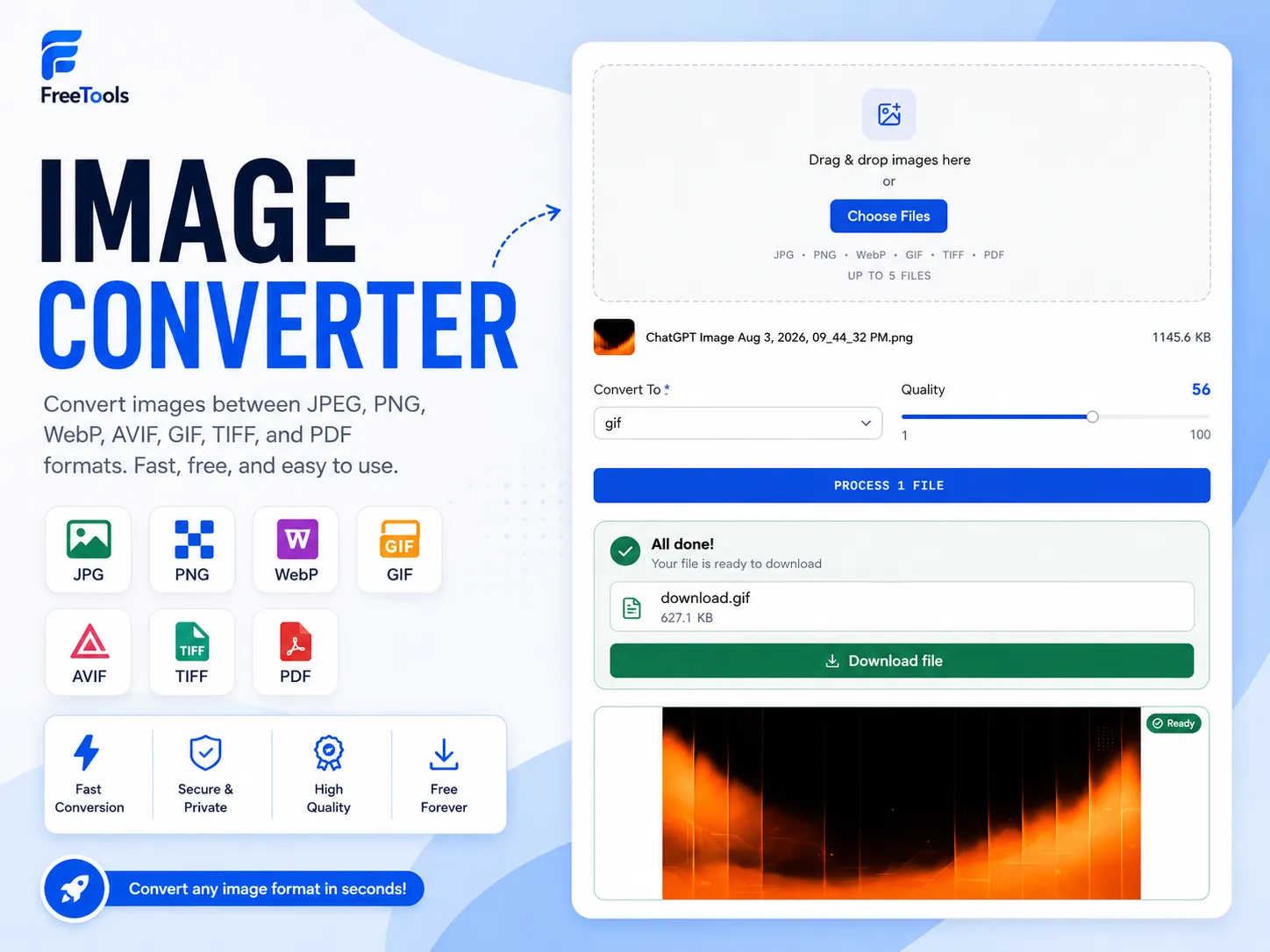
Image Converter
Convert images between JPEG, PNG, WebP, AVIF, GIF, TIFF, and PDF formats, free.
Learn more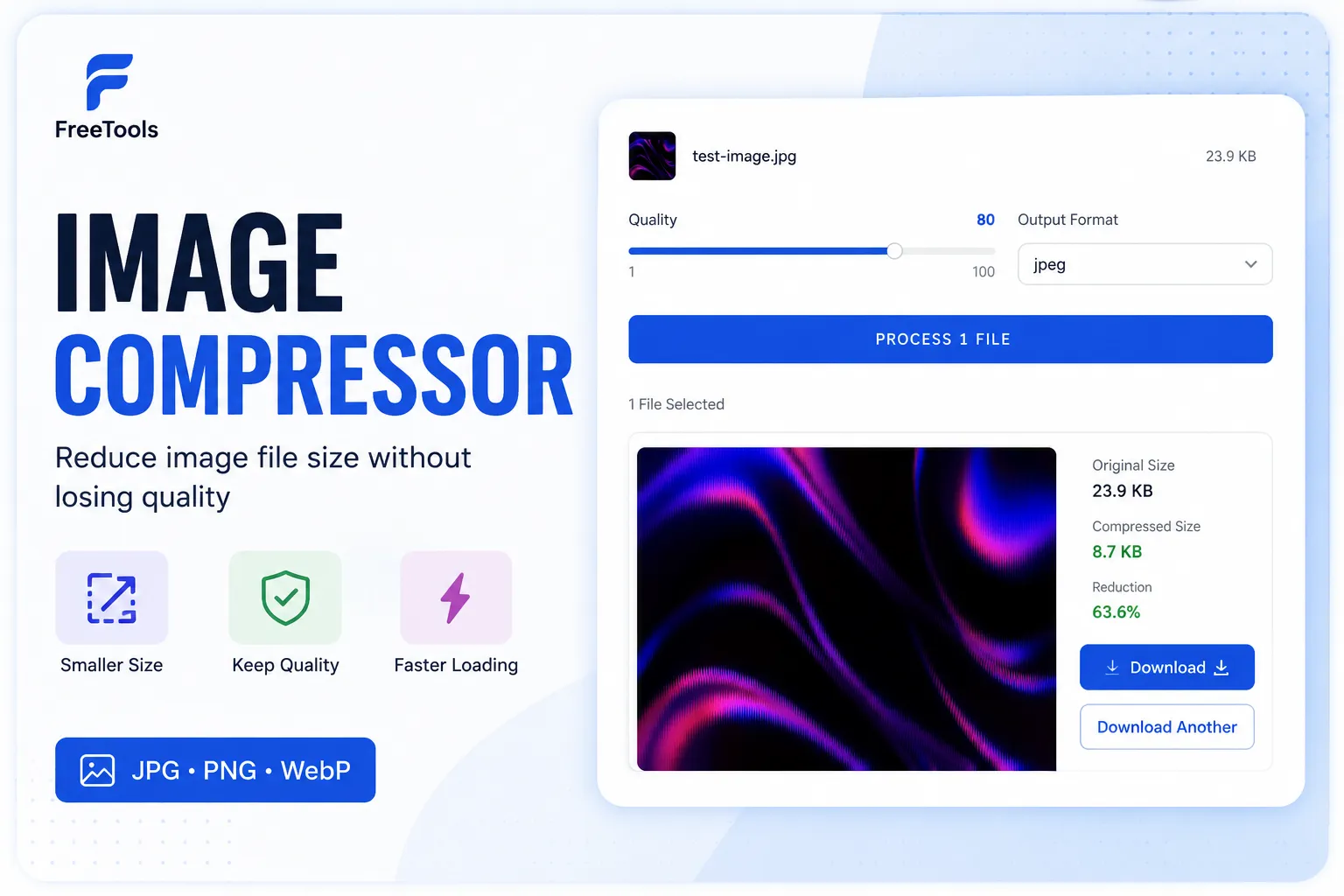
Image Compressor
Compress JPG, PNG and WebP images online for free. Reduce image file size without noticeable quality loss. No signup. No watermark.
Learn more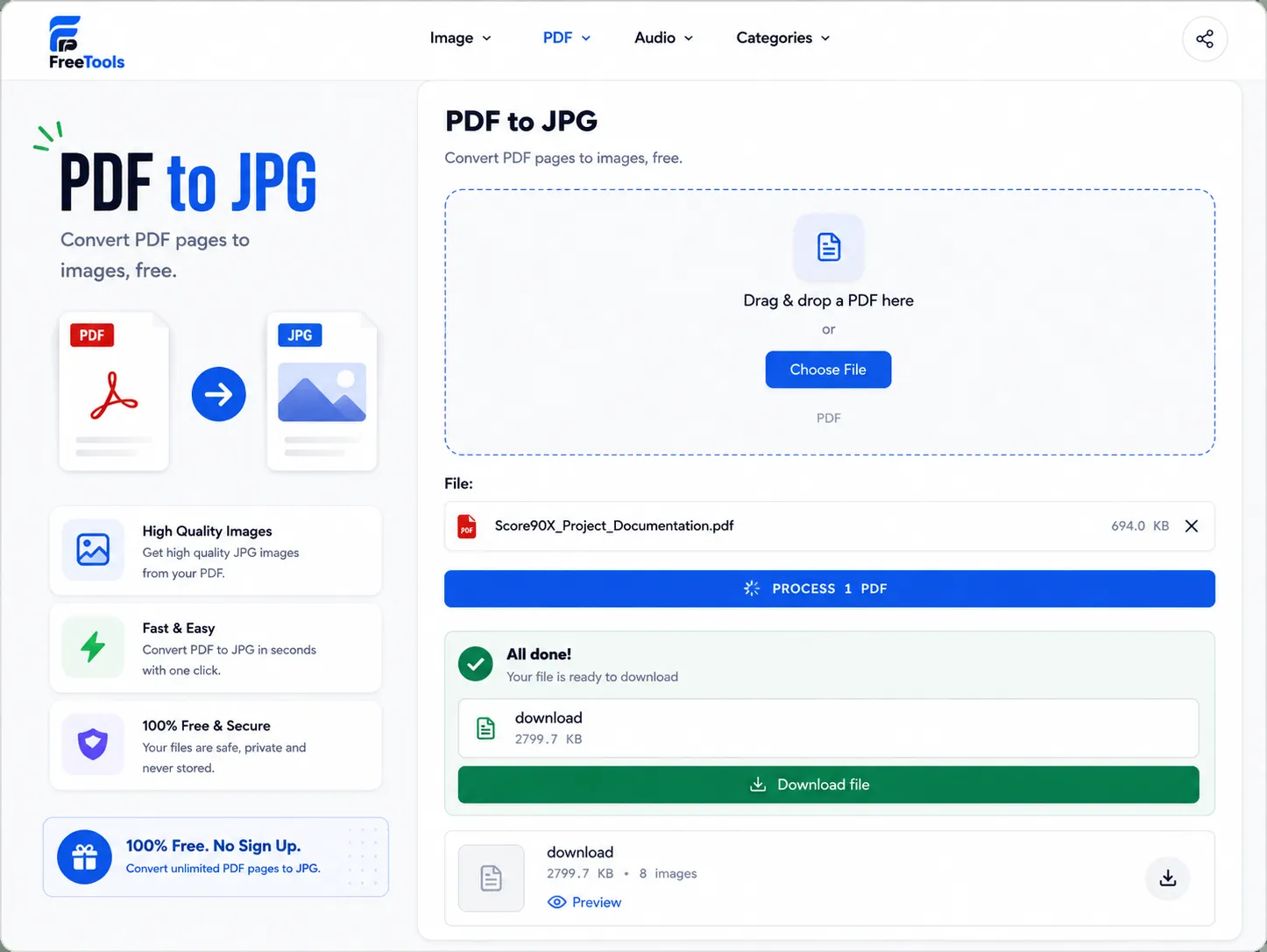
PDF to Image
Convert PDF pages to images, free.
Learn moreNot 100 tools just for the number.
We focus on useful tools that solve real problems — nothing bolted on just to pad a list.
Simple
No clutter, no learning curve. Open a tool and get straight to work.
Fast
Everything runs instantly in your browser — no waiting on uploads or queues.
Free
Every tool, every time. No hidden tiers, no credit limits, no paywalls.
No signup
Use every tool right away. No accounts, no email, no forms to fill in.
No watermark
Your files come out exactly as you made them — clean, with nothing added.
Privacy-focused
Files process in your browser and are never stored on our servers.
Learn how to solve common problems
Step-by-step guides for the file problems people run into most — each one paired with the free tool that fixes it.
Frequently asked questions
- Are FreeTools really free?
- Yes — every tool is free, with no hidden tiers, credit limits, or premium-only features. We don't upsell a 'pro' version because there isn't one to sell.
- Do I need to create an account?
- No. Every tool works the moment you open it — no sign-up, no email, and no login required at any step.
- Are my files uploaded?
- No. Files are processed locally in your browser and are never sent to or stored on our servers, so your documents, images, and audio stay private on your device.
- Which file formats are supported?
- It depends on the tool. Image tools support JPG, PNG, and WebP; file tools support PDF and ZIP; audio tools support MP3, WAV, and OGG. Each tool page lists its exact supported formats.
- How do I use the tools?
- Open the tool you need, upload or drag in your file, and download the result — most tools finish processing instantly with no extra steps or settings required.
What people are using
Real usage across 235 sessions this month